

Ten example widgets now ship with Nexow — conversation and all
A new account no longer opens on an empty canvas. Ten finished widgets arrive as an Examples workspace, each carrying the real chat that built it and its real version history — built by the same codegen loop you use, with nothing connected.
The hardest screen in Nexow was always the first one: a blank canvas, a prompt box, and no evidence that any of it works. You could read the docs, or you could type something and hope.
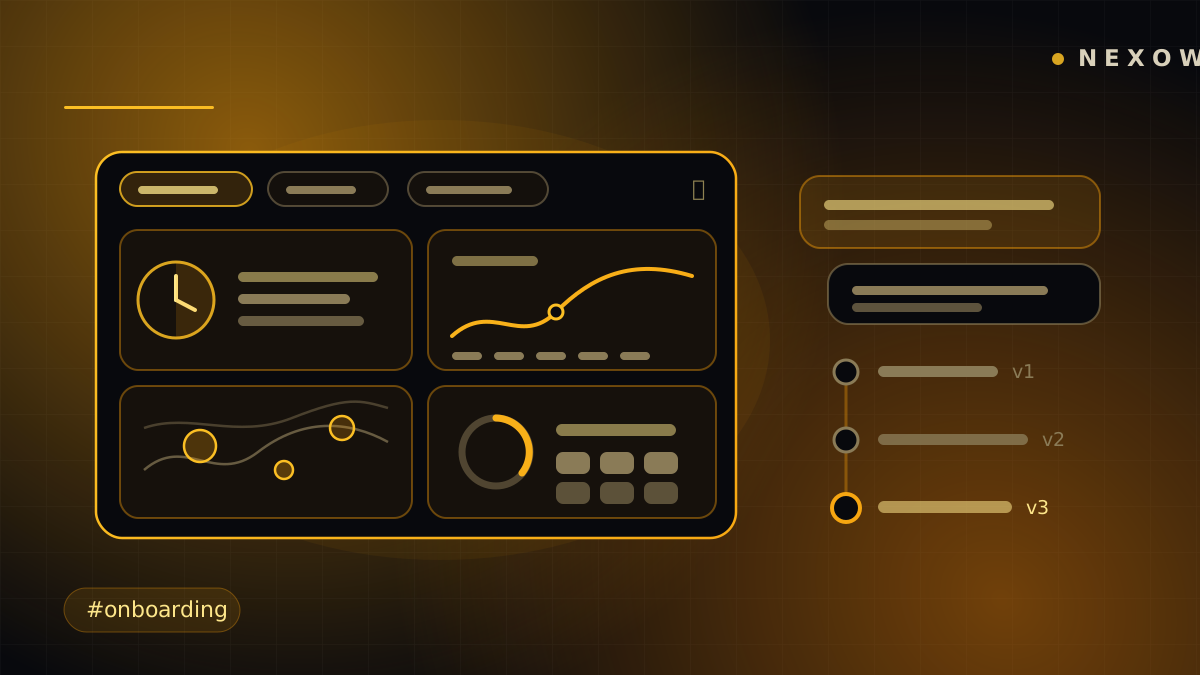
With the next release, a new account boots into an Examples workspace — ten finished widgets across three screens, all running on their first load, with nothing connected. Not screenshots, not a guided tour. Working widgets you can open, edit, take apart and publish over.
What’s in the pack
Live world — a world clock with a day/night ring and a working-hours overlap bar; a seven-day weather forecast with an hourly curve; every earthquake of the last hour, day or week on a live map, sized by magnitude; and live air quality with the pollutant currently driving the index.
Markets — Binance candlesticks with a live last candle and a 24h change badge; an FX converter on ECB reference rates with a 90-day history; the most active Polymarket questions and what the crowd believes; and any World Bank indicator, for two countries at once, as a long-run chart.
Make and play — a sticky-note board that survives reloads through durable per-item storage, and Wikipedia’s on-this-day feed with thumbnails and a date picker.
Every source is keyless: Open-Meteo, USGS, Binance public data, Frankfurter, Polymarket, the World Bank, Wikipedia. That is a rule, not a coincidence — an example that opens on “Connect OANDA” is worse than an empty canvas.
They were actually built, not written
Each example started as a brief written the way a person types — what they want
and why, not a specification. starter:build runs those briefs through
runWidgetToolLoop: the same module the platform codegen route and the
browser’s bring-your-own-key path both drive, with the same contract, the same
tools and the same in-turn verifier. No HTTP stream, no credit ledger, no
browser — but the same loop.
So the transcript you find in a widget’s chat tab is the genuine conversation, and every turn that produced code is a genuine version on the rail. Most examples carry three. Air quality carries five, because the first three left it opening on an empty “enter a city” box, and the fifth turn is a bug report: six pollutant tiles all showing a dash, and a timestamp reading “-6375 min ago”. That build is in the pack exactly as it happened.
Crucially, the briefs run with no providers attached — precisely what a new account has. Whatever comes out of that loop works on someone’s first day.
Not a second catalogue
Every example is an ordinary marketplace asset, published by the official account through the same RPC everyone else’s work goes through: same sanitizers, same lineage graph, same install path, same royalty chain. Nothing about a starter widget is special-cased on the server, deliberately — fork one and you continue a real lineage instead of discovering that the app’s own examples live in a private dialect.
A curation registry sits on top and holds only the curation: which published assets make up the pack, in what order, on which screen. Writes to it are service-role only; reads are public, because a signed-out visitor may be looking at a listing page for one.
Where the pack lands, and what it won’t do
Seeding is gated three ways. It runs once per account, not once per device — the flag is a replicated setting, re-read on account switch. It never seeds a canvas somebody has already used. And it can be forced from Settings → General → Add example widgets, for accounts that predate the pack or for anyone who deleted the workspace and wants it back.
The examples land beside your own empty workspace rather than replacing it, so onboarding still hands you a clean screen to type on. The whole pack is one undo step.
Each seeded widget is stamped as the marketplace install it actually is, so improving one and publishing it continues the official lineage instead of starting a rival copy. And when we ship a better version of an example, already-seeded users keep theirs — it’s their widget now, possibly edited. There is no push-update path, and there shouldn’t be one.
Verified as a pack, not by eye
Before any of them reaches an account, the whole pack runs in real Chrome and is graded per widget: boot errors, runaway animation loops, slow frames, blank renders — plus a screenshot each. A separate live check derives every public endpoint from the committed code and confirms it still answers, so the test can’t go stale while the widgets do.
The bar for an eleventh is the same as for these ten: zero connections, a clean smoke verdict, a real message rather than a blank tile when its data source has a bad day, and nothing personal anywhere in the conversation — because the conversation ships too.
The pack ships with the next release, and existing accounts can pull it in from Settings → General whenever they want it. Open one, read the chat that built it, then change something — that is still the fastest way to learn what the canvas can do.
Launch Nexow and start building in the meantime.
Build your first widget in the next minute
Open the preview, describe one useful thing, and place it on your canvas.